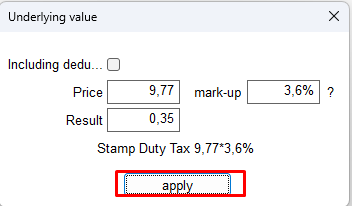
Use this when the digital transaction fee is included in the item price in EMDI (the “Included” checkbox). This is not an AADE tax set-off; it is a price calculation inside the document.
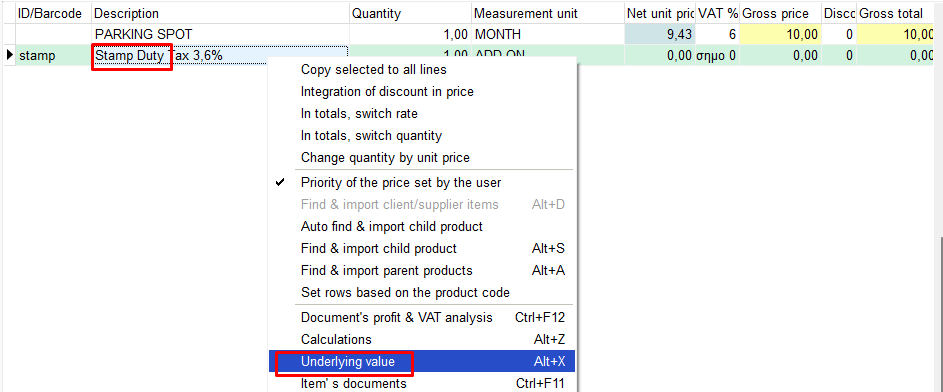
After you have filled in the first item and it is selected, press the down arrow on the keyboard and fill in the digital transaction fee.
Then right-click it and select “Underlying value”.
Check the “Included” box on the right and click “Apply”. The fee is then calculated inside the price instead of being added again on top of the agreed price.