


Secondary VAT lets you apply a different VAT rate on the same item, depending on the customer (for example TAKE AWAY at 13% and RETAIL at 24%).
VAT setup – define the secondary rate
In Settings → Inventory/Services → VAT, fill in the Secondary field with 13 on the row that has VAT 24%.
That means the 24% rate has an alternative rate of 13%.
Important:
The Vat Rate field itself does not change.
Secondary is used only when the customer has the matching VAT liability option enabled.
 Item (product) setup
In Inventory/Products/Services, on the item (for example FANTA 330 LEMON): VAT: 24%
Do not change anything else on the item.
The item stays at 24%.
The rate switch happens dynamically from the customer.
TAKE AWAY customer setup
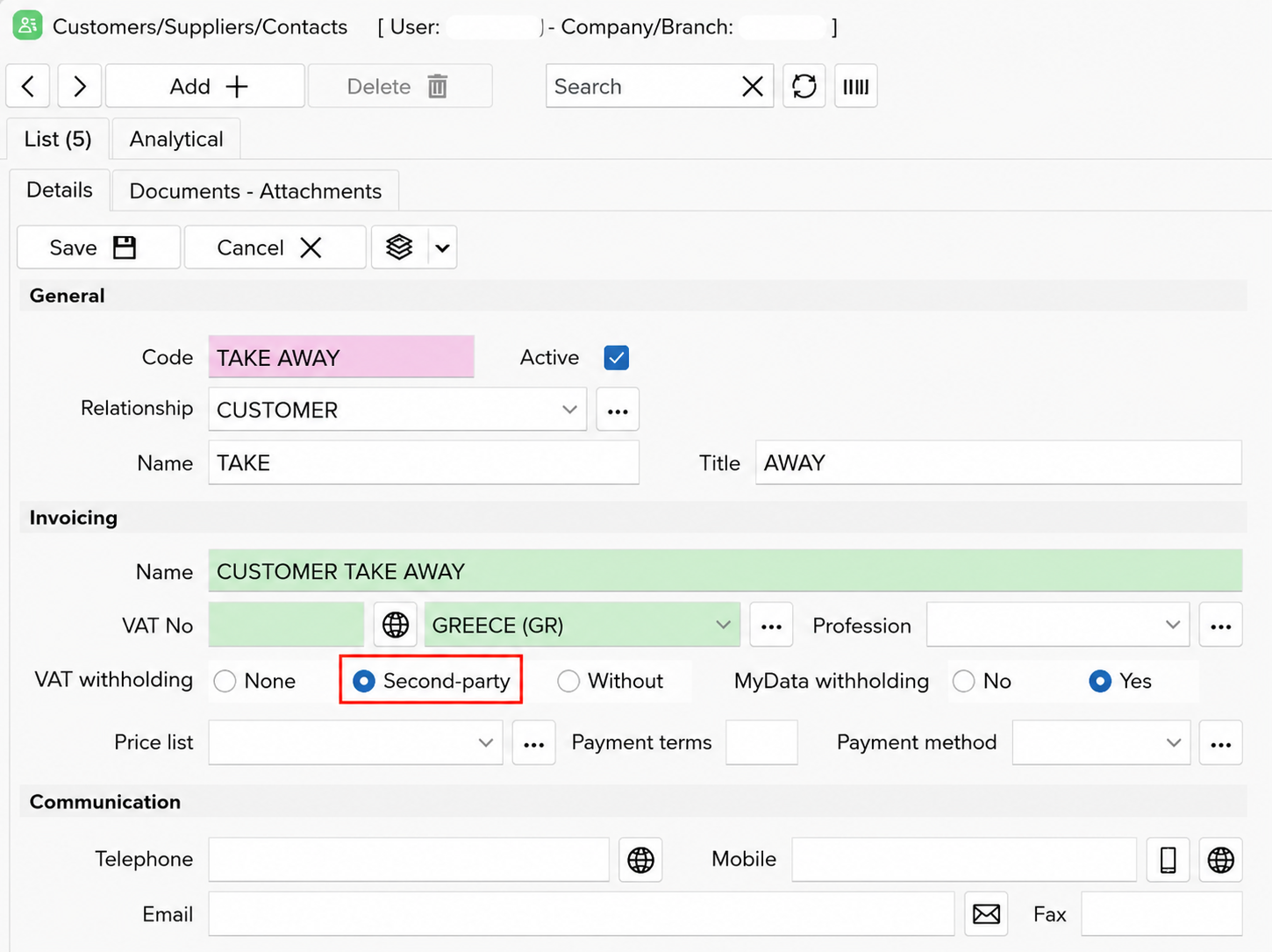
In Customers/Suppliers/Contacts, for the customer (for example TAKE AWAY), under VAT liability choose: Reduced
That means:
Every item whose VAT row has a Secondary value will use the alternative rate (13%).
 Issuing a TAKE AWAY document
When you issue a document and select the TAKE AWAY customer
The same product (which is set to 24%) appears with VAT 13%
- This happens automatically
- The item price does not change
- You do not need a second item
Issuing a retail document (tables, salon, etc.)
When you select the RETAIL CUSTOMER
VAT liability: Normal
The same product appears with VAT 24%
Using areas / tables
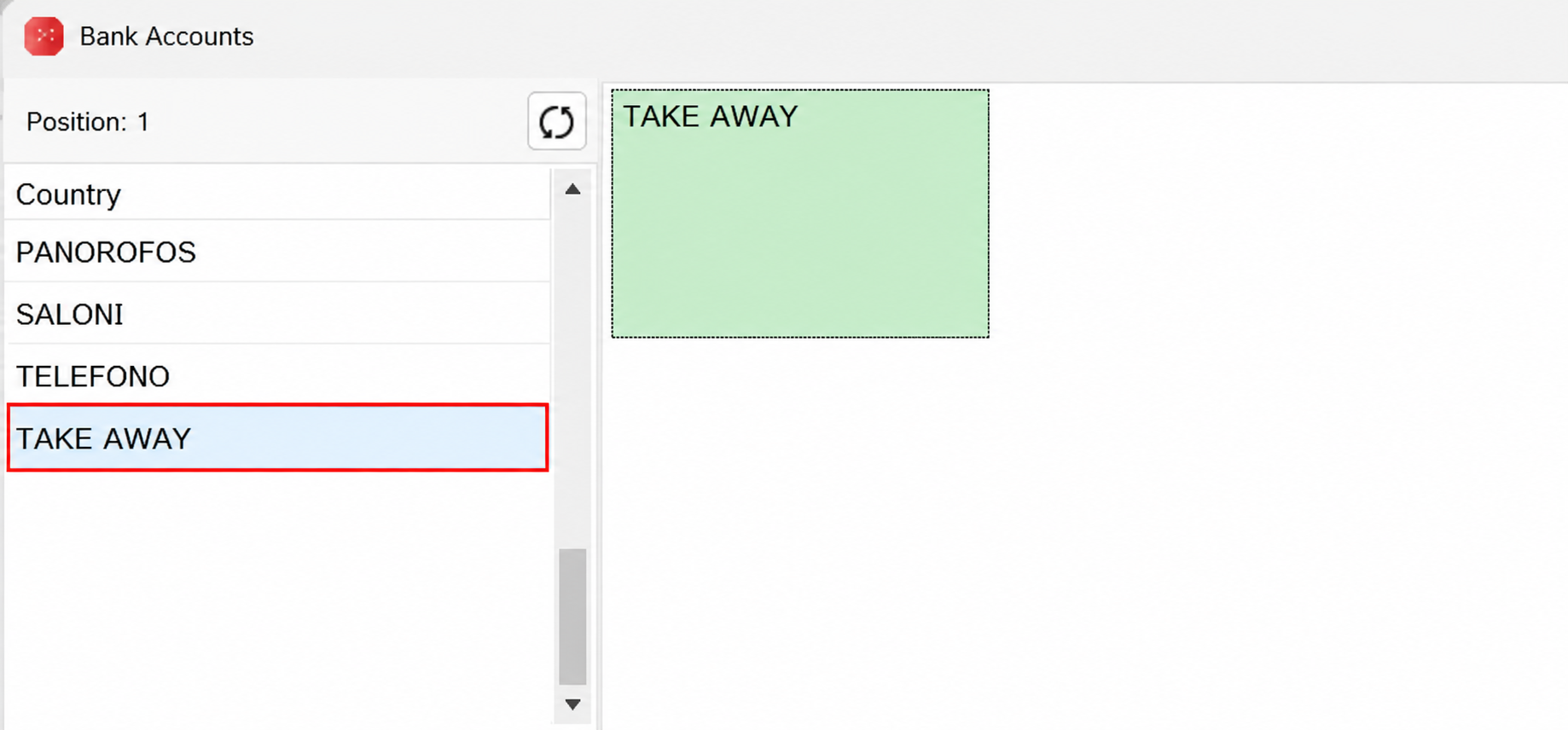
In the area/table selection window, create a separate area named “TAKE AWAY” with a linked default customer, or choose the customer manually when you issue the document.
That gives a clean split:
Tables 24%
Takeaway 13%
 How it works inside EMDI
EMDI checks the customer.
If VAT liability is Reduced:
It checks whether the item’s main VAT row has a Secondary value filled in.
If yes, it uses the alternative rate.
If not, it keeps the main rate.
Advantages
- No duplicate items
- No separate price lists
- Stock is not affected
- Fully compatible with myDATA
Common setup problems
- The Secondary field is empty on the VAT row
- The customer is not set to Reduced under VAT liability