Before we begin the configuration, a myDATA account must first be created.
In order to define the mappings and configure the document so that it is transmitted correctly to AADE, we need to follow the steps below:
First, go to Settings (grey icon) and select “Taxes”.
Unlock the section, click “Add”, enter the Description and the VAT percentage, and then click “Save.”

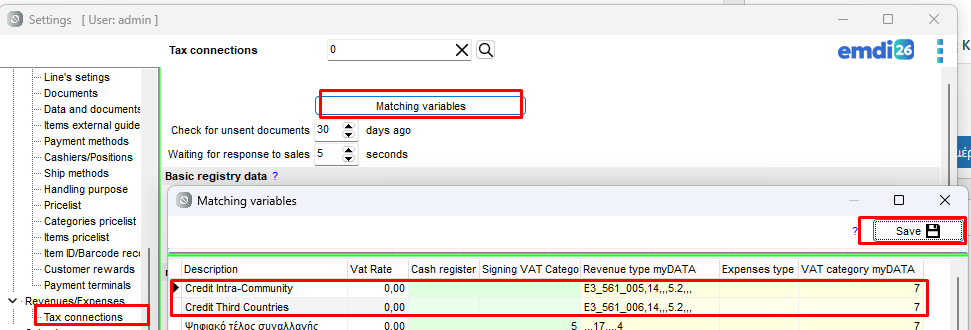
Then, we will fill the matching variables.
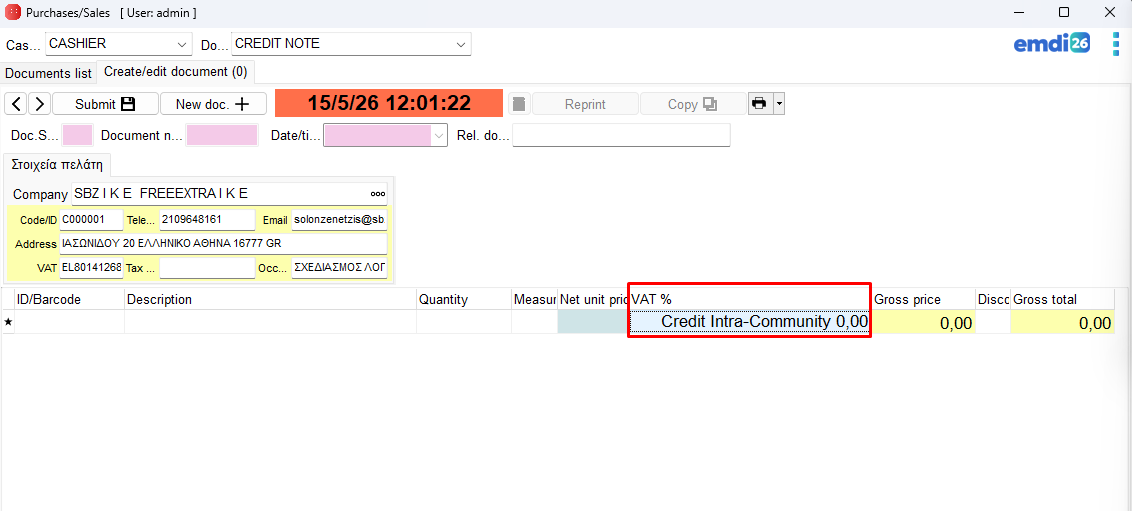
Finally, during invoicing, select the corresponding VAT rate that we configured.